Here is what a coding session of mine looks like when I am in full swing. This is specifically the coding screen. That’s a 1920×1600 resolution screen-shot
. I obviously also have a browsing screen not shown.
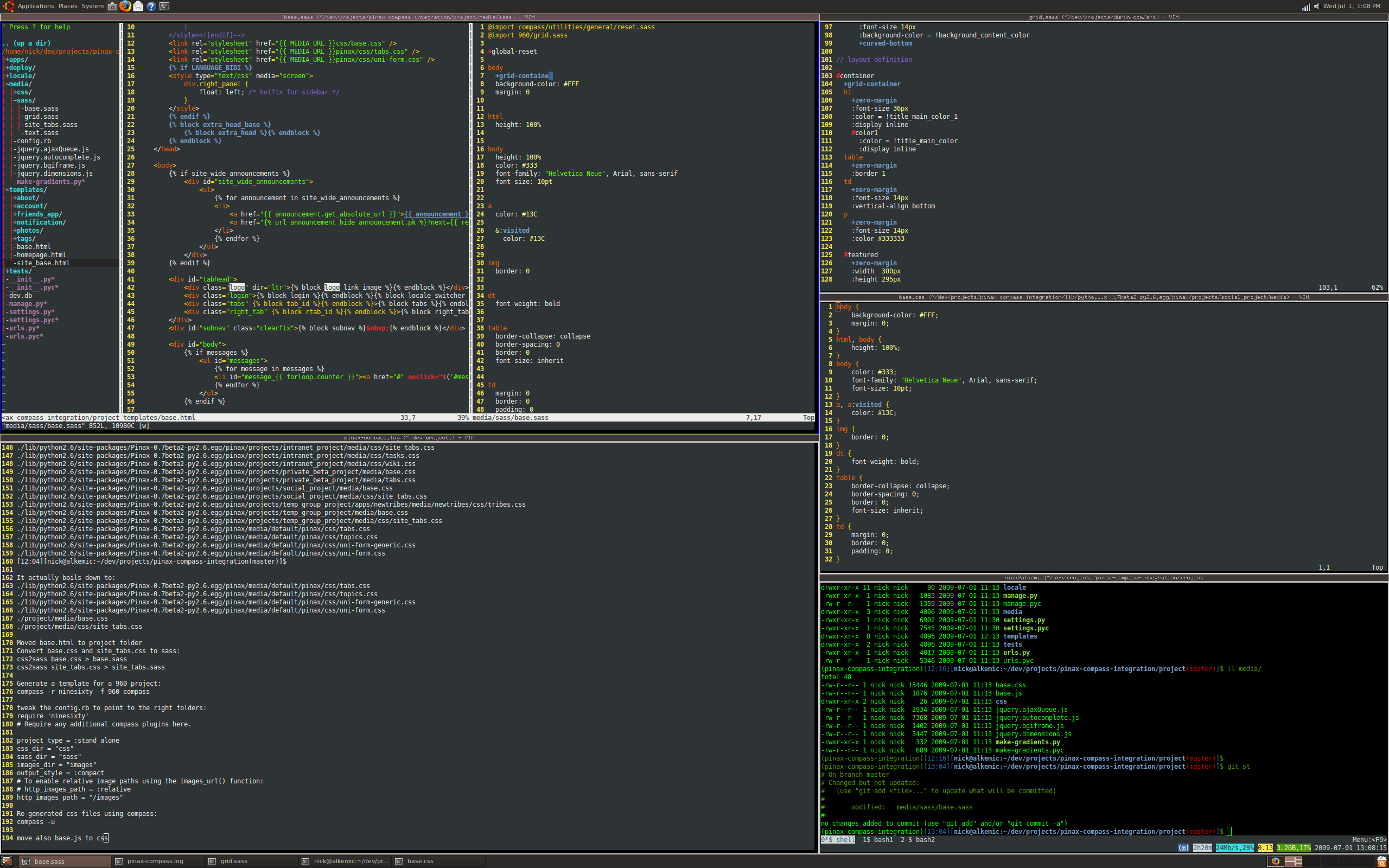
In the image above I am immersed into integrating Compass into Pinax (full post on that will follow).
When developing under Linux (Ubuntu 9.04 at the moment) I have settled for a long time now on the ultra-productive tiling window manager Xmonad. Nothing I tried beats it. My fingers and my brain now are one with the keyboard short-cuts and the concept of mouse-less zen.
Yes I use vim extensively and yes I use screen with the new ubuntu screen-profiles. It rocks.


6 comments ↓
Well done
Out of curiousity, what Xmonad layout are you using?
Hi Ryan,
The layout in the screenshot is just a plain Tall layout with a decorated header.
I actually will post my config to the xmonad wiki but meanwhile here is an excerpt on the layouts i use:
layoutHook = ewmhDesktopsLayout $ avoidStruts $ smartBorders ( tallDecorated |||
tabbed shrinkText arossatoTheme |||
Grid |||
mirrorTallDecorated |||
Full)
where
tallDecorated = tallDefault shrinkText arossatoTheme
mirrorTallDecorated = mirrorTallDefault shrinkText arossatoTheme
ciao,
Nick
Do you need a browser to go along with that?
Checkout: http://www.uzbl.org/
And tabbing version: http://www.uzbl.org/wiki/uzbl_tabbed
Also I quite like the vim style xoria256:
http://www.vim.org/scripts/script.php?script_id=2140
Coding? Where? Looks like HTML and CSS to me.
Ehm … you’re totally right. That was coding in – let’s say – a very “broad” sense. I do also *really* code at times. I promise.